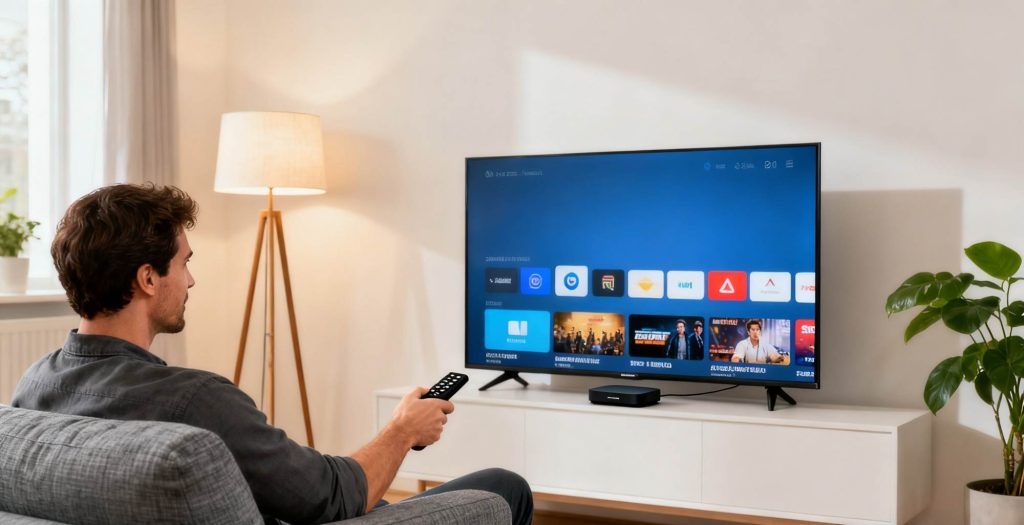
In the age of smart homes, the TV remains the central hub for family entertainment. However, many people are often confused about the concepts of “Smart TV” and “TV Box.” Do I need one or both? Let’s explore the differences and help you decide.
1. What is a TV Box?
A TV Box, also known as a set-top box, connects to your TV via HDMI, enabling it to access the internet, install apps, and stream online videos. Essentially, a TV Box is a mini computer that runs an Android or other smart operating system. It supports a variety of audio-video platforms, games, and applications. By using Wi-Fi, a TV Box can instantly transform a regular TV into a “Smart TV.”
2. What is a Smart TV?
A Smart TV is a television set that comes with an integrated smart operating system and internet connectivity. It’s like a large smartphone, offering direct access to Wi-Fi or Ethernet, eliminating the need for additional hardware to access the internet, download apps, or stream content.
3. The Challenges of Smart TVs
While Smart TVs come with a lot of great features, they often present challenges such as:
System Slowdowns and Aging Hardware: The hardware in smart TVs is slow to update, meaning after a year or two, the system can become sluggish or even unresponsive.
Intrusive Start-up Ads: Many Smart TVs display unskippable ads when you turn them on, significantly impacting the user experience.
Closed Software Ecosystems: Some brands use proprietary operating systems that limit users’ ability to install third-party apps, reducing overall functionality.
Complicated Subscription Systems: To access certain content like live sports or international shows, users often need to subscribe to multiple services, some of which may not be compatible with mobile devices, leading to additional costs.
Performance Bottlenecks: Older models often lack the power to decode high-resolution videos like 4K and 8K.

4. Do Smart TVs Need a TV Box?
The answer depends on your needs. However, for users facing the common challenges mentioned above, a TV Box is usually a more cost-effective solution than buying a new Smart TV.
If your Smart TV has slow performance, too many ads, or limited functionality, adding a TV Box is the best solution. Think of it as giving your TV a “new brain.”
A TV Box can:
Enhance Performance: Replaces your TV’s outdated system with the powerful computing capability of a set-top box.
Unlock an Open System: Freed from TV brand restrictions, you can install any app you want.
Block Annoying Ads: Eliminate startup ads from the source.
Cost-Effective Upgrade: For just a few hundred dollars, you can refresh your TV (which may have cost you thousands) for an incredible value.
5. What Can a TV Box Do?
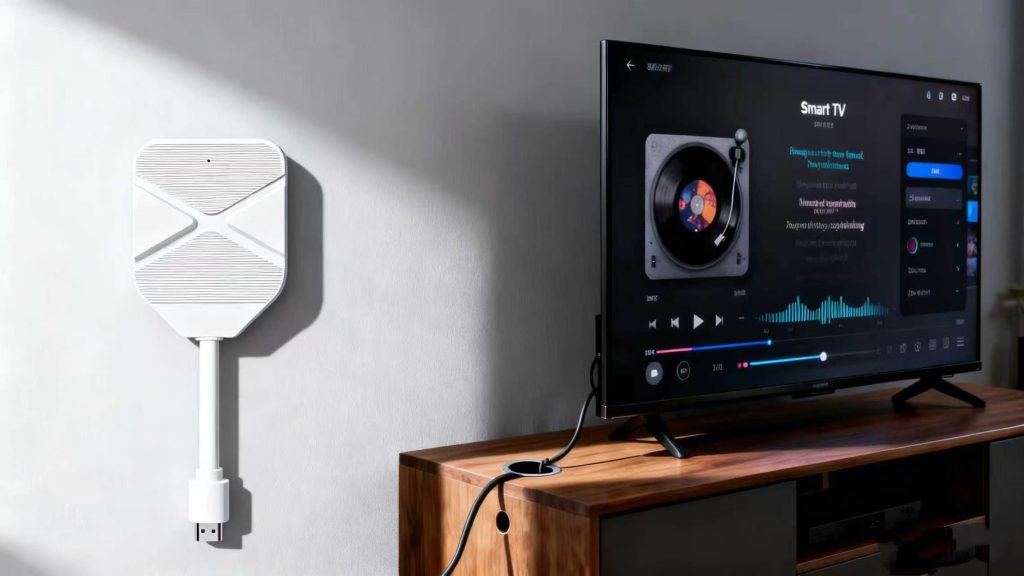
TV Boxes offer far more than just video playback. Their functions include:
Streaming: Access popular global platforms like YouTube, Netflix, Disney+, and Hulu for seamless content viewing.
On-Demand Movies and TV Shows: Install apps for movies, TV shows, documentaries, anime, and more.
Sports Live Streaming: Watch live sports events through apps dedicated to sports channels and broadcasts.
Educational Content: Enjoy educational resources like kids’ programming, online courses, and scientific apps.
Screen Mirroring: Cast content from your phone, tablet, or computer to your TV.
Local Playback: Support multiple media sources such as USB drives, external hard drives, and NAS (Network-Attached Storage).
Voice Control and AI Assistants: Use voice commands to activate playback and receive intelligent recommendations, enhancing ease of use.
6. Effortless Smart Entertainment Experience
Choosing the right TV Box means embracing an “effortless” entertainment lifestyle. Say goodbye to mandatory start-up ads and complex subscription systems. With a simple and user-friendly interface, everything is clearly organized for a customized experience.