How to Record and Delete Shows on We2usat TV Box with Mars Live App

Recording your favorite movies, live sports, and TV shows on your We2usat TV box is simple with the Mars Live app. Follow our step-by-step guide to record, stop, and delete TV recordings effortlessly.

Step 1: Connect an External Storage Device

To save your recorded programs:

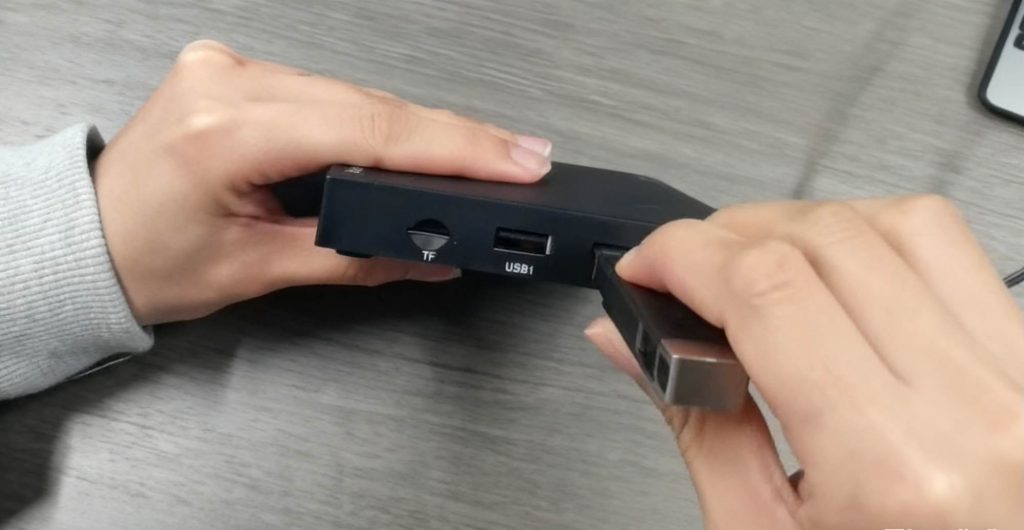
  1. Locate the USB port on your We2usat TV box.

  2. Insert a USB drive or external hard drive.

  3. Make sure the connection is stable to avoid interrupted recordings.

Step 2: Open the Mars Live App

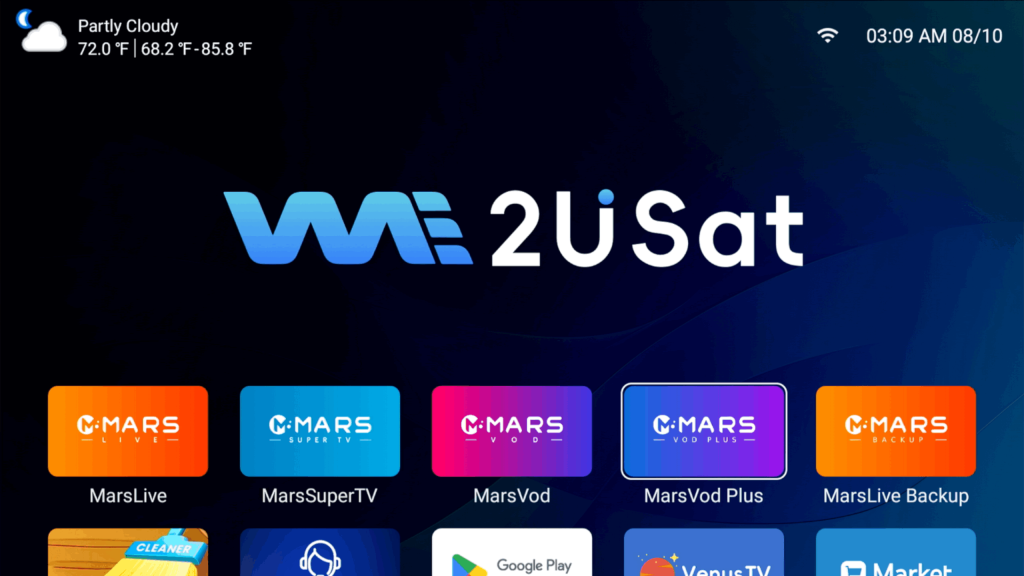
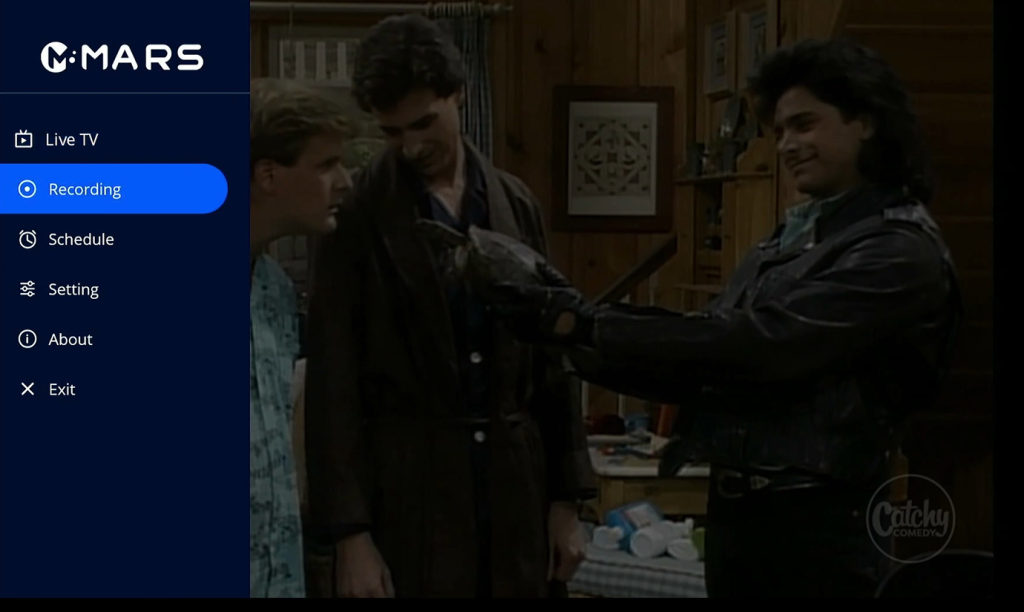
  1. Open the apps section on your We2usat TV box.

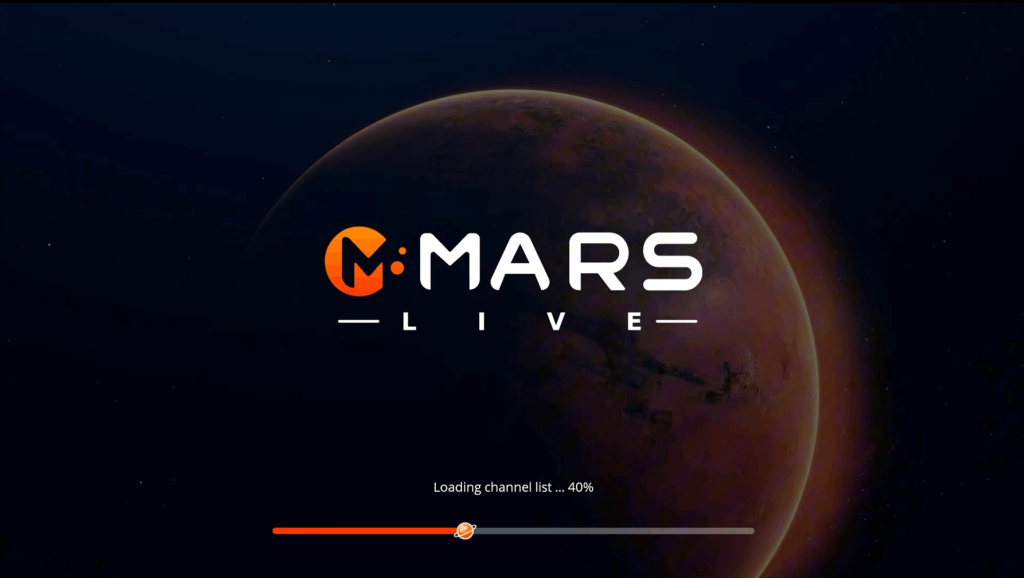
  2. Select Mars Live from the list.

  3. Wait for the app to load all available TV channels.

Step 3: Locate the Record Function

  1. Start the program you want to record.

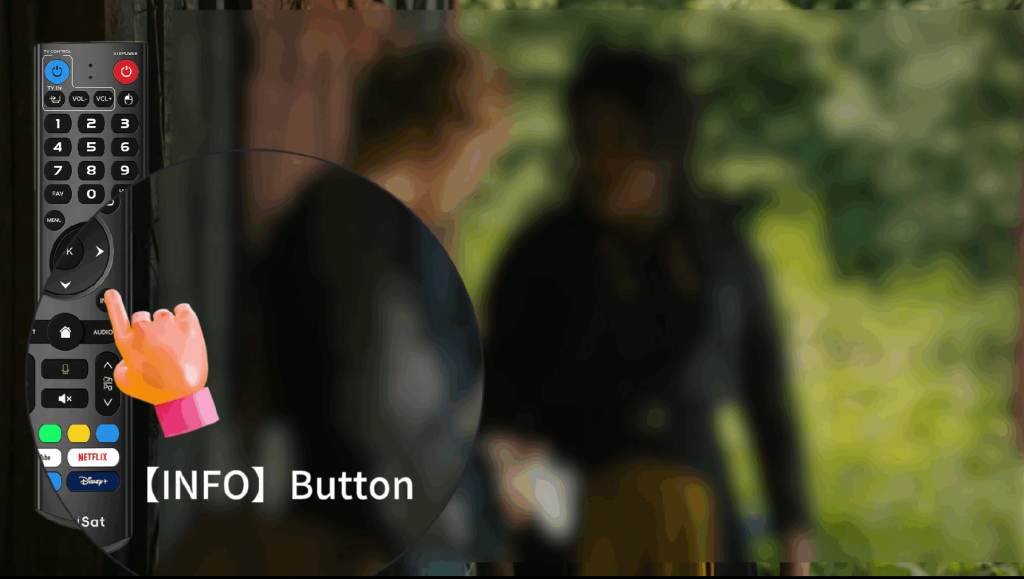
  2. Press the INFO button on your We2usat remote.

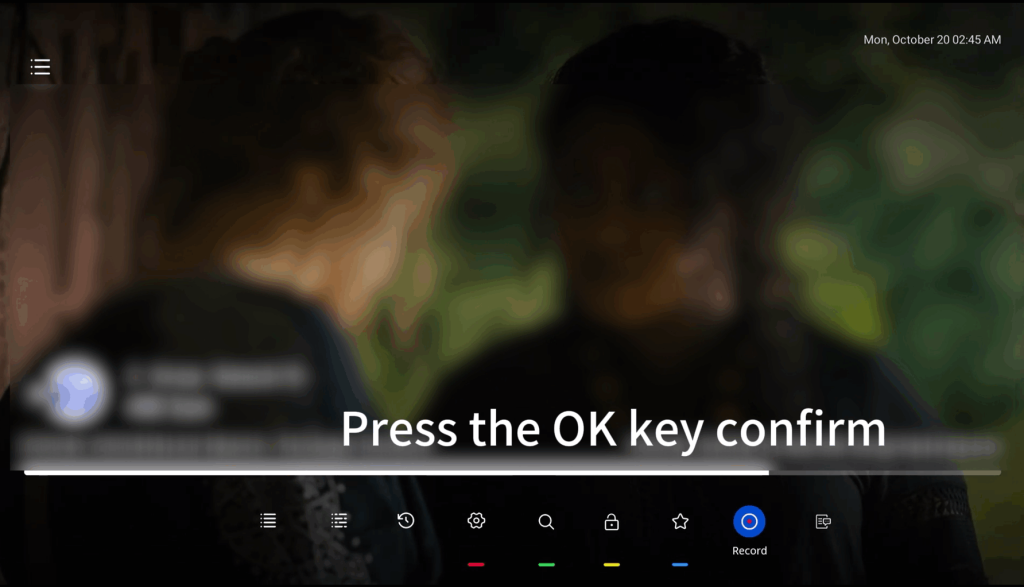
  3. A function bar will appear at the bottom of the screen.

  4. Look for the Record button to begin recording.

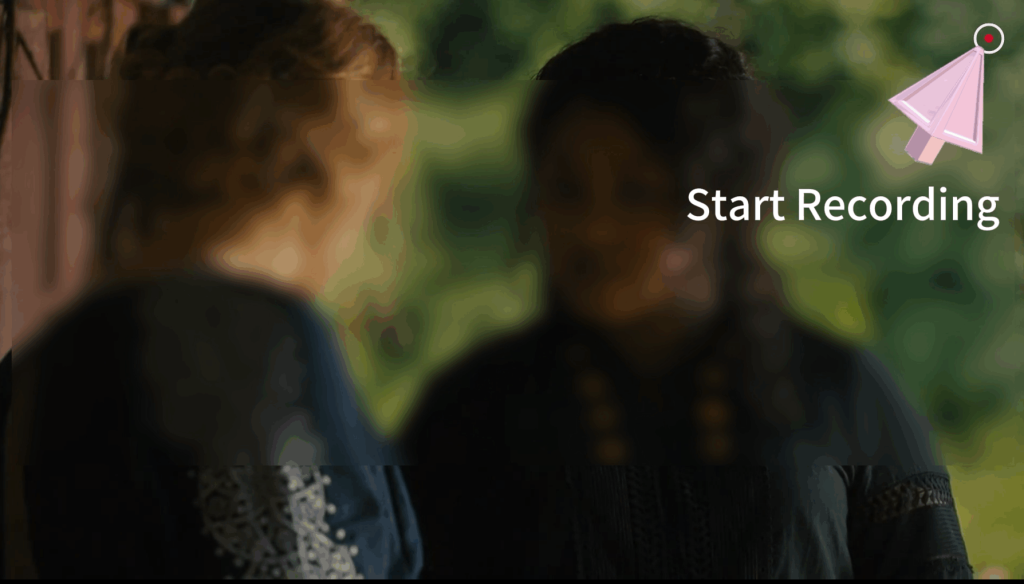
Step 4: Start Recording

  1. Highlight Record in the function bar.

  2. Press OK on your remote to start recording.

  3. The recording will save automatically to your connected USB or external hard drive.

Step 5: Stop Recording

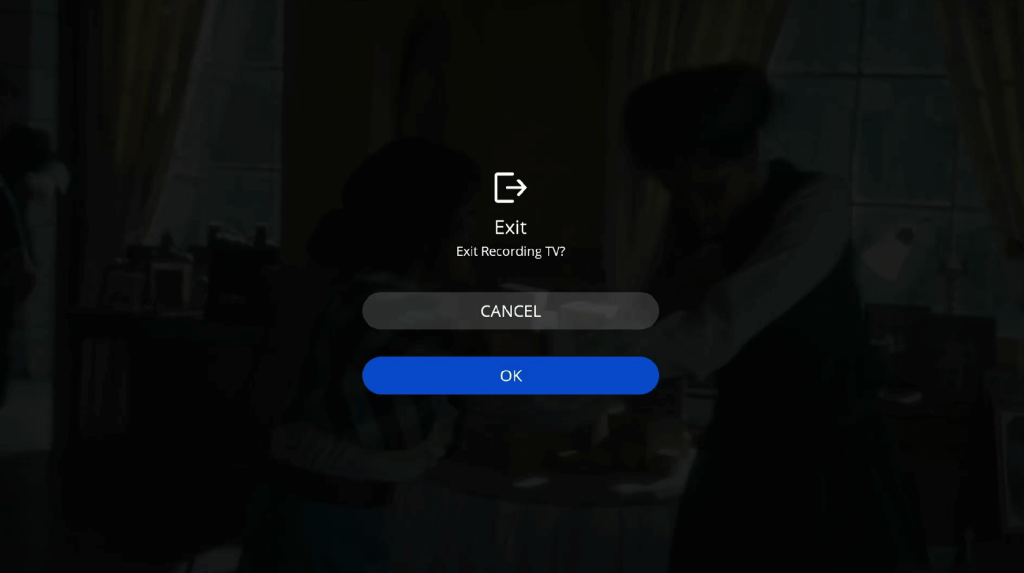
  1. Press OK to stop recording.

  2. Confirm the message “Exit TV recording?” by selecting OK.

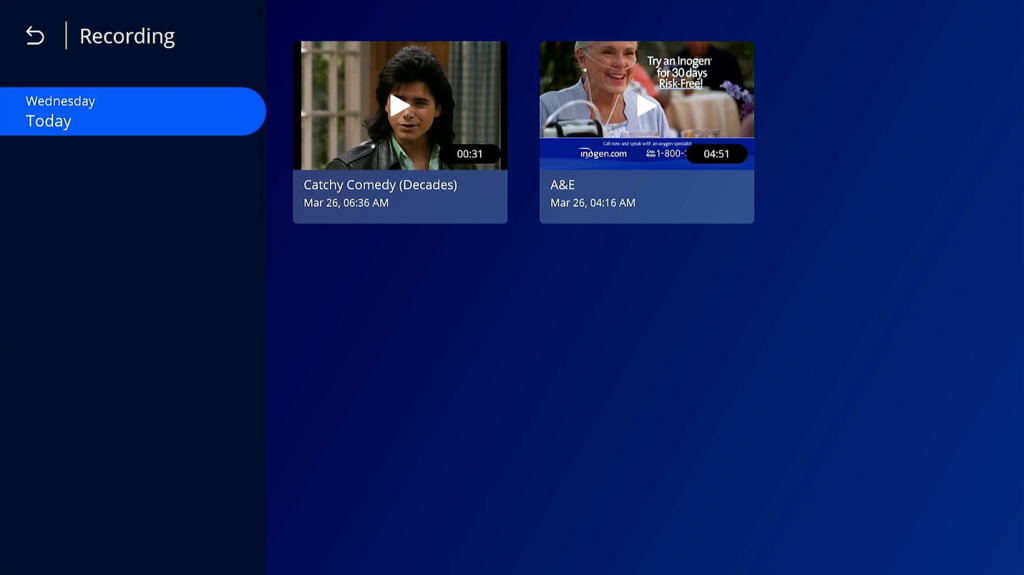
  3. Access your recordings either in the Mars Live app or via the File Manager on your TV box.

How to Delete Recordings on We2usat

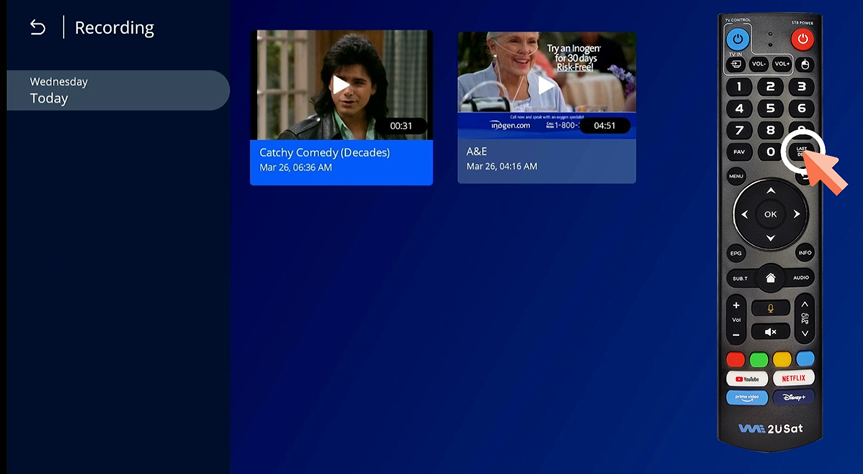
  1. Go to the Recording section in the Mars Live app.

  2. Select the video you want to delete.

  3. Press LAST/DEL on the remote.

  4. Confirm deletion to remove the recording permanently.

Tips for Smooth Recording on We2usat

  • Use a high-speed USB drive to avoid recording interruptions.

  • Ensure sufficient storage space on your external device.

  • Keep your Mars Live app and TV box firmware updated for best performance.

Recording TV shows on your We2usat TV box has never been easier. With the Mars Live app, you can record live programs, manage saved recordings, and enjoy your favorite shows anytime.

Leave a Comment

Your email address will not be published. Required fields are marked *

Translate »
Emily WA
WhatsApp
Email
WhatsApp
Email
Emily WA
Scroll to Top