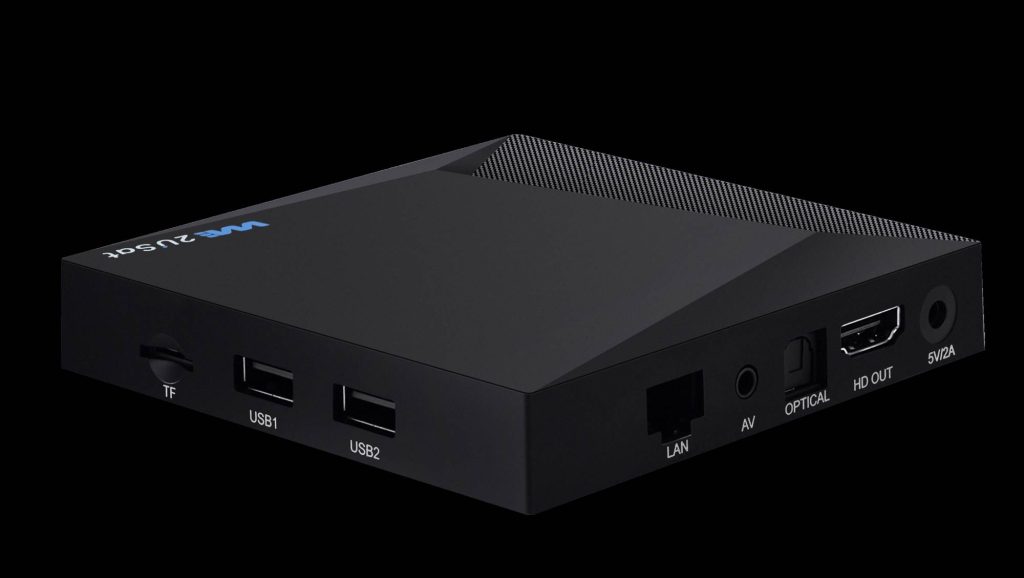
Unlock the full potential of your We2usat device by strategically connecting external accessories. While the We2usat offers a comprehensive entertainment solution right out of the box, there’s so much more you can achieve with external devices and accessories. From enhanced storage and seamless navigation to a superior gaming experience, connecting external devices optimally will take your We2usat to the next level.
Table of Contents:
USB Ports: Quick Guide to Expanding Functionality
1.1 Connect Keyboard and Mouse
1.2 Expand Storage Space
1.3 Connect Game Controllers and Other Accessories
TF/SD Card Slot: A Compact and Flexible Expansion Option
Ethernet Port: Ensuring Stable and High-Speed Internet
AV Interface: Perfect Compatibility with Traditional TVs
Audio Output Interface: Craft Your Personalized Listening Space
Comprehensive Recommendations: Create Your Custom Entertainment Hub
1. USB Ports: Quick Guide to Expanding Functionality
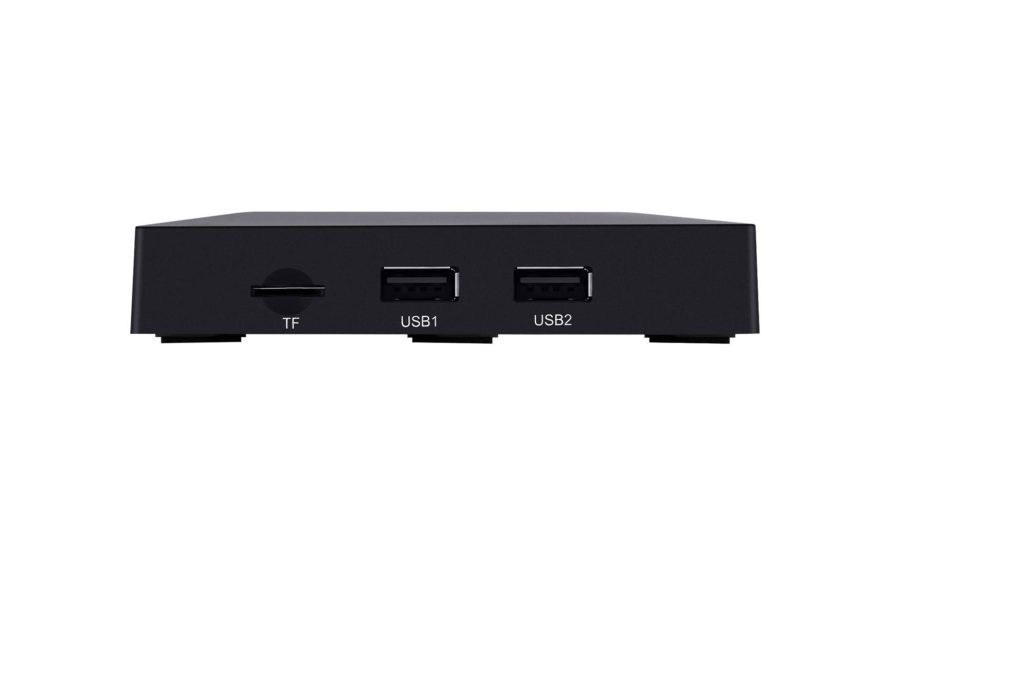
The We2usat USB ports are a cornerstone of its versatility, allowing you to connect a variety of devices for a more enriched experience.
1.1 Connect Keyboard and Mouse
While the remote control is convenient, connecting a wireless keyboard and mouse provides a more efficient and precise way to navigate menus, search for content, and manage files. This is especially beneficial for users who perform complex operations like browsing or managing apps. It drastically enhances the overall user experience.
1.2 Expand Storage Space
The built-in storage may not be sufficient to meet your needs, especially if you’re a frequent user or enjoy storing large media files. By connecting an external hard drive or USB flash drive, you can easily store apps, movies, music, and photos without worrying about running out of space. This feature makes long-term use much more convenient and enjoyable.
1.3 Connect Game Controllers and Other Accessories
For gaming enthusiasts, connecting a USB game controller will significantly enhance your gaming experience on the We2usat. Additionally, you can connect other peripherals like cameras and microphones, expanding your usage scenarios and turning your We2usat into a versatile entertainment hub.
2. TF/SD Card Slot: A Compact and Flexible Storage Expansion
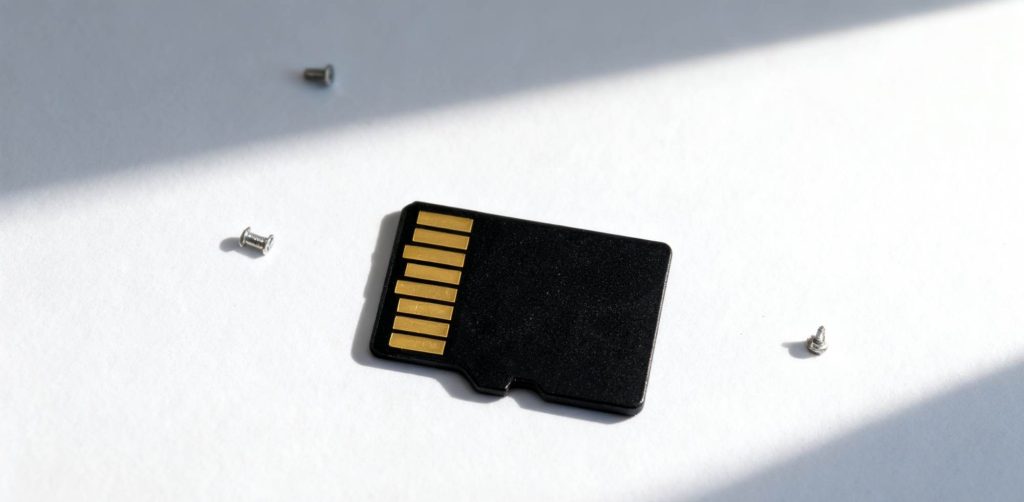
The TF/microSD card slot offers an ideal solution for users looking to easily expand storage.
Flexible App Space Expansion: When the system alerts you that storage is full, inserting a microSD card will quickly alleviate the issue and ensure smooth performance without the need to delete files.
Direct Playback of Local Media: If you’ve stored movies, music, or photos on your microSD card, simply insert it into your We2usat and enjoy immediate playback. This makes it easy for the whole family to enjoy shared content.
3. Ethernet Port: Ensuring Stable and High-Speed Internet
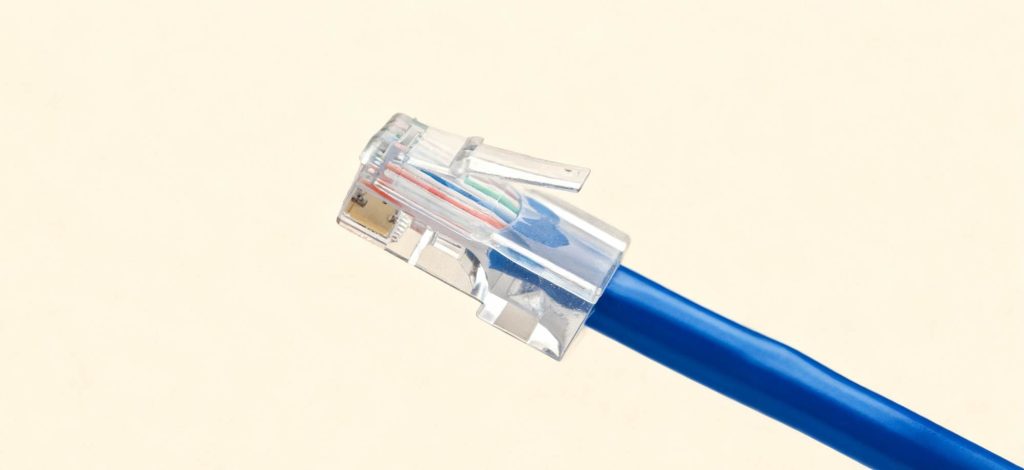
While Wi-Fi is convenient, it can fluctuate depending on environmental factors. For users seeking the best streaming experience, connecting to the Ethernet port of your We2usat via a wired connection is the most reliable option.
Reduced Video Buffering: A wired connection provides a more stable, faster internet connection, effectively preventing buffering during HD movie streaming or live sports events.
Improved Responsiveness: Your apps and channels will load faster, resulting in a much smoother overall experience.
4. AV Interface: Perfect Compatibility with Traditional TVs
If your TV is an older model without an HDMI port, the AV interface on the We2usat (which may require an adapter) is a great solution. This feature allows you to enjoy modern entertainment on older TVs without having to upgrade your hardware.
5. Audio Output Interface: Craft Your Personalized Listening Space
The audio output interface lets you enhance your sound experience, whether you’re using external speakers, soundbars, or a home theater system. This allows you to customize your listening environment and enjoy high-quality audio without limitations.
6. HDOUT (HDMI Output) Interface: Ensure High-Quality Content
The HDOUT (HDMI output) interface is dedicated to transmitting high-definition video and audio signals. This is perfect for connecting your We2usat to TVs, monitors, or projectors, ensuring the best possible display for movies, games, or presentations.
Whether you’re using it for home entertainment, gaming, or work presentations, the HDMI output ensures a smooth and crystal-clear connection between your device and display.