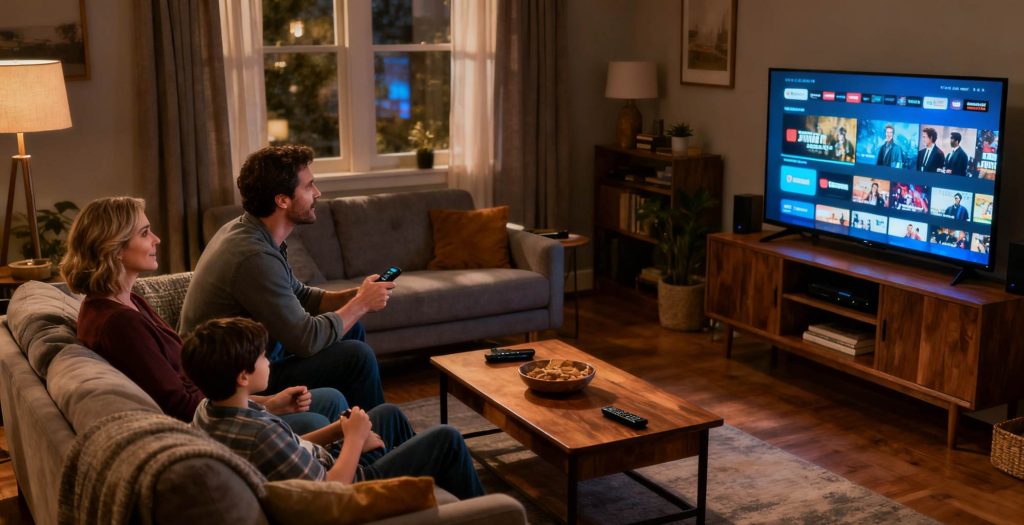
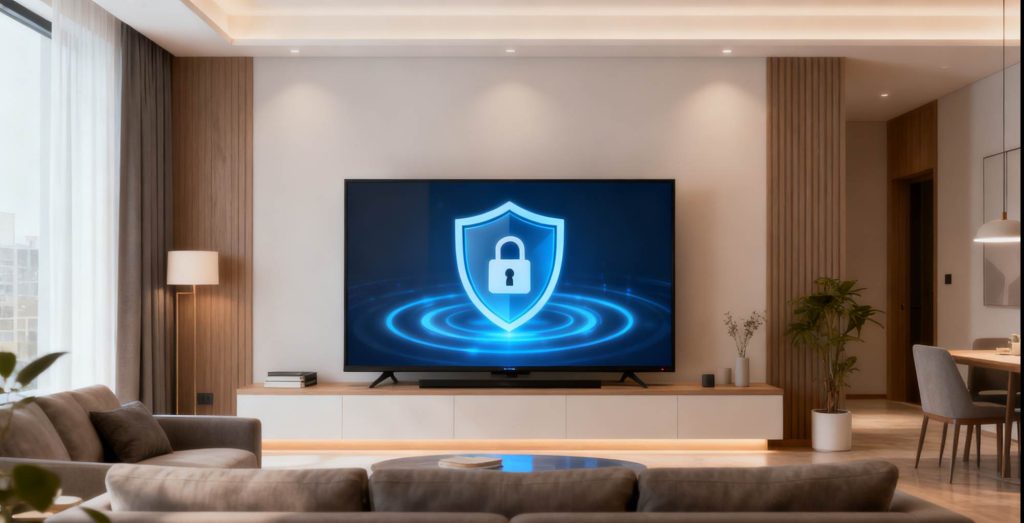
In 2026, smart TV boxes have become the cornerstone of home entertainment. With vast libraries of movies and TV shows, as well as seamless smart features, they have become indispensable. However, with great convenience comes greater responsibility in securing your device. How can we ensure safe usage of TV boxes? How can we prevent personal data leaks and financial losses? How can we protect our home entertainment systems? This blog explores the necessary precautions for securely using TV boxes in 2026.
1. TV Box Security Risks
Before purchasing and using a TV box, it’s essential to be aware of potential risks.
1.1 Personal Data Leaks
Your TV box knows more about you than you might think. It continuously collects data such as:
Viewing habits
Search history
App usage times
Time spent watching various videos
As a result, you may be bombarded with targeted ads, and your data could be analyzed to create user profiles based on your preferences, family structure, and even political inclinations. This poses a significant privacy risk.
1.2 Malware and Viruses
Like smartphones and computers, TV boxes run on smart operating systems, making them vulnerable to malware, ransomware, and cryptocurrency mining Trojans. Purchasing low-quality TV boxes could expose your device to risks like:
Slow device performance
Pop-up ads (including explicit or fraudulent ones)
System file corruption
Complete device malfunction
Avoid using illegal software or pirated TV boxes that might come pre-installed with malicious code.
1.3 Fraudulent Pages Stealing Payment Information
When purchasing VIP memberships or pay-per-view services via your TV box, always stay vigilant against phishing websites. Hackers often create fake pop-up payment screens resembling official platforms, tricking you into entering sensitive information such as your credit card number, password, and verification code, leading to immediate theft of your financial details.
2. Safe Purchasing Practices
Security starts with choosing the right device. Reliable TV boxes lay the foundation for safety.
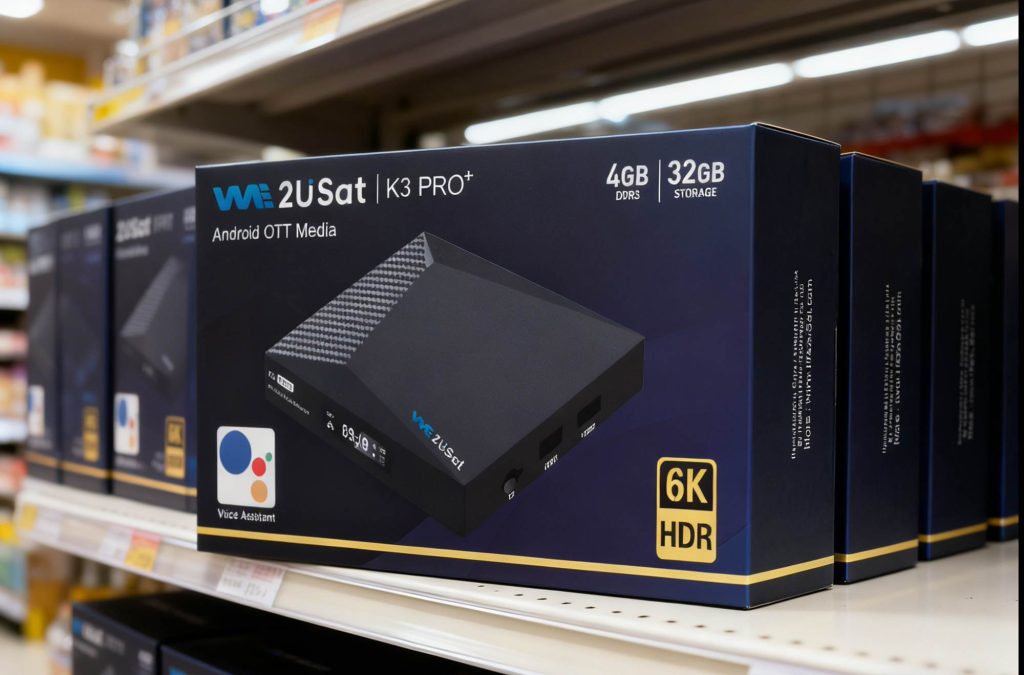
Official Channels (such as brand websites and authorized flagship stores) should be your go-to source. Products sold through these channels undergo strict quality control, come with robust systems, and offer excellent after-sales service.
Third-party Platforms can be riskier. Always verify the seller’s credentials and choose authorized resellers. After receiving your device, carefully inspect the packaging and ensure the product is new and intact.
3. Initial Setup for Maximum Security
Upon receiving your new TV box, don’t rush to install apps. Complete these security steps first.
3.1 Initial Startup Setup
Permission Management: In system settings, under “App Permissions,” strictly control each app’s access. Follow the “least privilege principle”—deny all permissions unless absolutely necessary.
Source Management: Install apps only from official app stores that come pre-installed on the device.
3.2 System Update Check
Head to the system settings immediately to check for and install the latest system version and security patches. These updates often fix known vulnerabilities, making them essential for resisting cyber attacks.
3.3 Network Security
Prefer wired connections over Wi-Fi for enhanced stability and security. If using Wi-Fi, ensure it’s connected to your secure, password-protected home network. Never connect your TV box to public Wi-Fi networks, as they are prime targets for hackers.
4. How WE2USAT Protects User Privacy
In today’s privacy-focused world, services like WE2USAT prioritize user privacy by design.
4.1 Direct Streaming Without Tracking
Unlike most services that rely on apps to collect data, WE2USAT uses technology to stream video content directly within specific players, significantly reducing the risk of user behavior monitoring and data collection.
4.2 Use Without Account Registration
Unlike many services requiring phone numbers or email addresses for registration, WE2USAT allows immediate use upon startup, eliminating the need for accounts and the risks associated with account database breaches. This offers users higher levels of anonymity and privacy protection.
5. Regularly Check Your Router’s Management Panel
The security of your TV box is tightly tied to your home network’s security. Your router serves as the main gateway to your home network.
Develop a habit of regularly logging into your router’s management panel to check the list of connected devices and their MAC addresses. If you notice unfamiliar devices, immediately blacklist them or force them offline, then change your Wi-Fi password. This can help prevent malicious intruders from lurking in your home network.
Conclusion
By 2026, securing your TV box is essential to safeguarding your digital home entertainment hub. With the right precautions, such as purchasing from trusted sources, configuring your device securely, and protecting your privacy, you can enjoy a worry-free streaming experience. Secure your entertainment, secure your data!