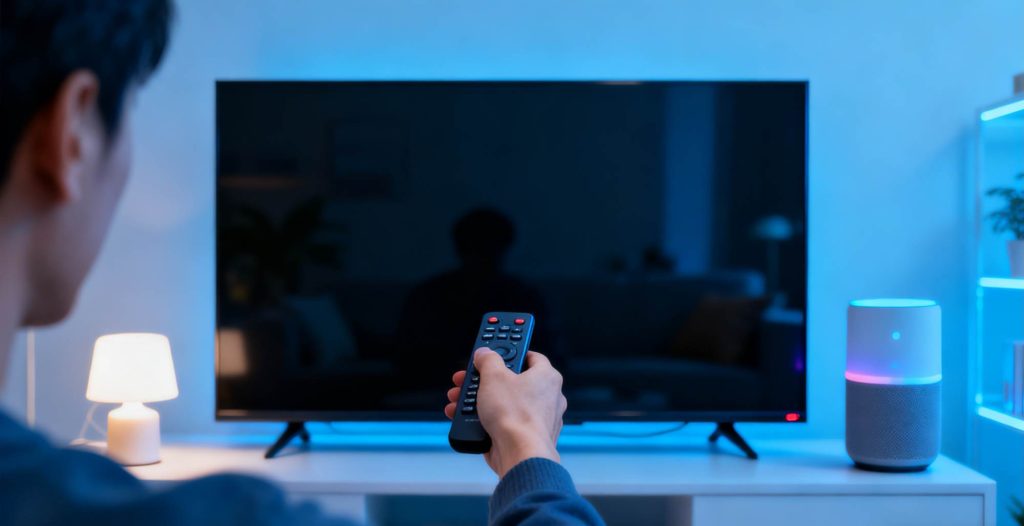
Technology has quietly revolutionized our daily lives, making tasks more convenient and accessible. In recent years, voice control technology has completely changed how we interact with devices. From smartphones to smart home systems, voice commands have become an integral feature of modern life. Now, this innovation can be brought to your TV with ease. No need to splurge on expensive smart TVs – all you need is the right TV box to upgrade your regular TV into a voice-controlled system.
Why Upgrade Your TV to Voice Control?
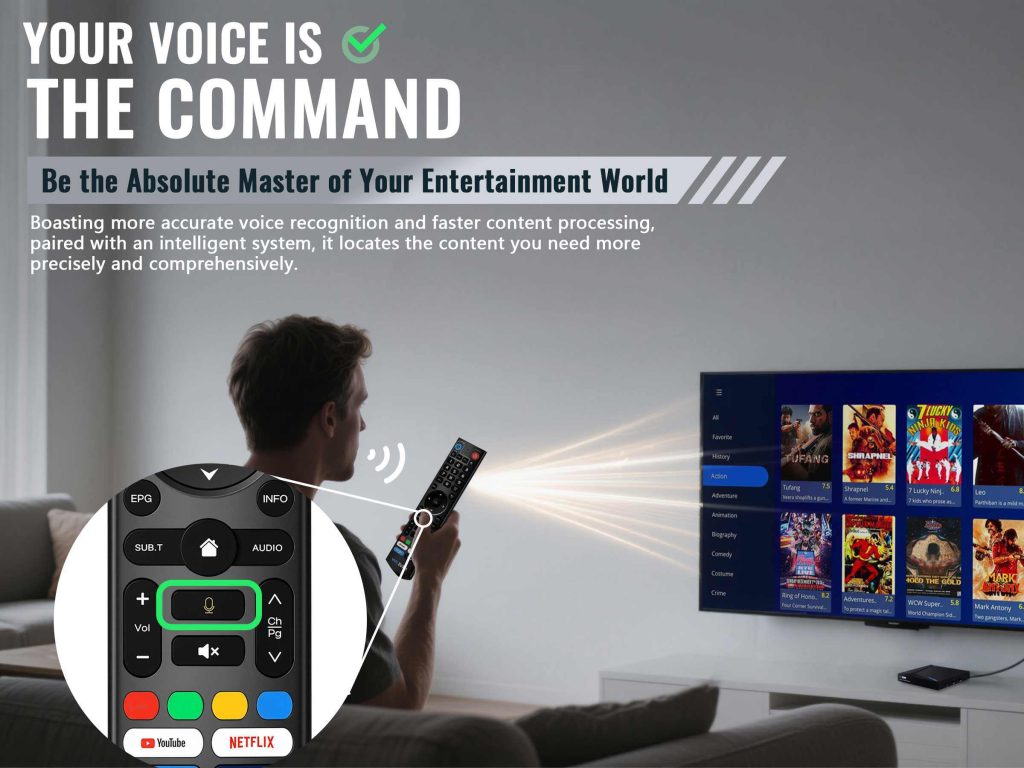
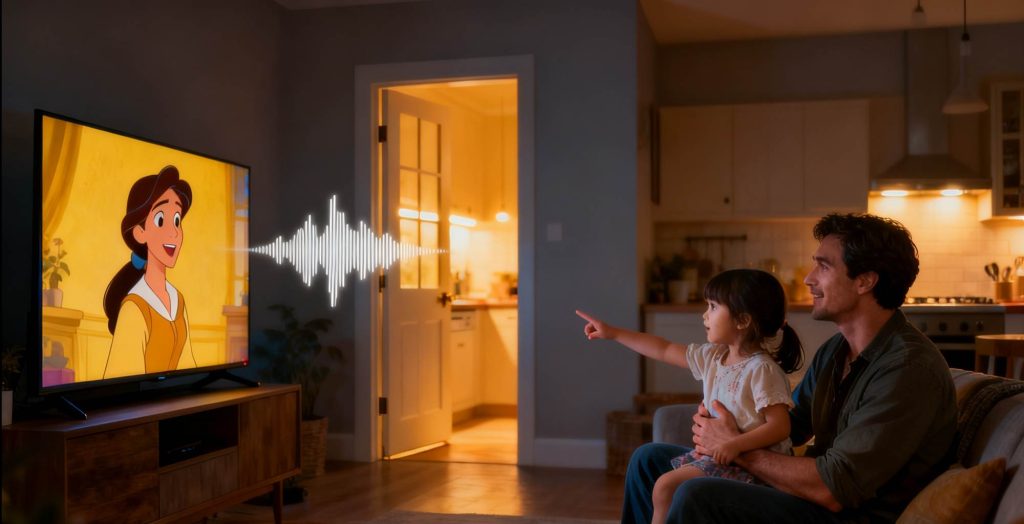
Traditional TV remotes can be cumbersome, especially when searching for specific content. The process of typing out each letter to search is inefficient and frustrating. With voice control, the experience becomes intuitive and effortless. Simply speak your command, and instantly find the show you want to watch, adjust the volume, or switch input sources.
Voice control is especially beneficial for elderly individuals and those with mobility issues, allowing them to enjoy their favorite shows without the complexity of traditional remote controls.
Do I Need to Install an App?
Not at all. The TV box itself is an independent smart device. By connecting to your regular TV via an HDMI port, it transforms your TV into a smart TV without the need for additional apps. The we2usat K3 Pro+ features a deeply customized Android TV system that includes a built-in voice assistant, meaning voice control is ready to go – no extra apps required. Best of all, it’s completely free and plug-and-play, so setup is quick and hassle-free.
How to Pair the Bluetooth Remote?
The we2usat K3 Pro+ comes equipped with an advanced Bluetooth infrared remote, supporting voice control functionality. The pairing process is generally quite simple.
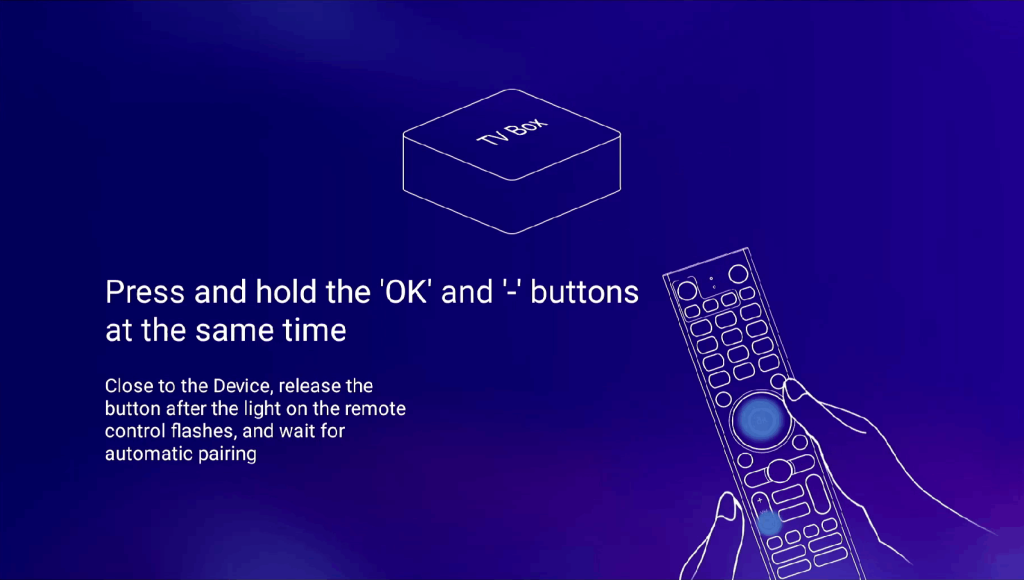
By default, the system uses infrared when you first power it on. To switch to Bluetooth, follow the on-screen prompts and press the volume down and OK buttons simultaneously to establish a Bluetooth connection.
Steps to Pair the Remote:
Ensure the remote and TV box are within pairing range (approximately 10 inches or closer).
Enable Bluetooth in the system settings.
Press and hold the [OK] and [Vol-] buttons until the pairing indicator flashes.
Go to Settings > Remote and Accessories to verify that the “Bluetooth Remote” is connected.
Press the voice button on your remote to start using voice control.
The Bluetooth remote offers more freedom than infrared remotes as it doesn’t require line-of-sight to the TV box, enhancing your overall user experience.
How to Use Voice Control Features?
With the we2usat K3 Pro+, you can enjoy a range of voice control capabilities:
Content Search: Simply say the name of a movie, TV show, or channel, and the system will immediately find it for you.
Playback Control: Use voice commands to play, pause, fast forward, or rewind.
System Control: Adjust the volume, switch input sources, open apps, and more, all with your voice.
Will the Device Continuously Listen to Me?
Privacy is a major concern for many users. Rest assured, we2usat has implemented a dedicated voice button on the remote. The recording function is activated only when the button is pressed, ensuring the device is not listening to your conversations continuously.
Does This Voice-Control TV Box Support Upgrades?
Yes! The TV box is upgradeable via OTA (Over-The-Air) updates, which means it will continually improve with better voice recognition algorithms, new features, and enhanced accuracy. When choosing a TV box, opt for a brand that guarantees firmware updates for at least two years to ensure long-term device security and compatibility. Future system updates will allow you to enjoy new and enhanced features.
Conclusion
Upgrading your regular TV to a voice-controlled smart TV not only enhances usability but also offers a cost-effective way to enjoy modern technology. With the right TV box, you can breathe new life into your old TV and experience an entirely new world of smart entertainment.