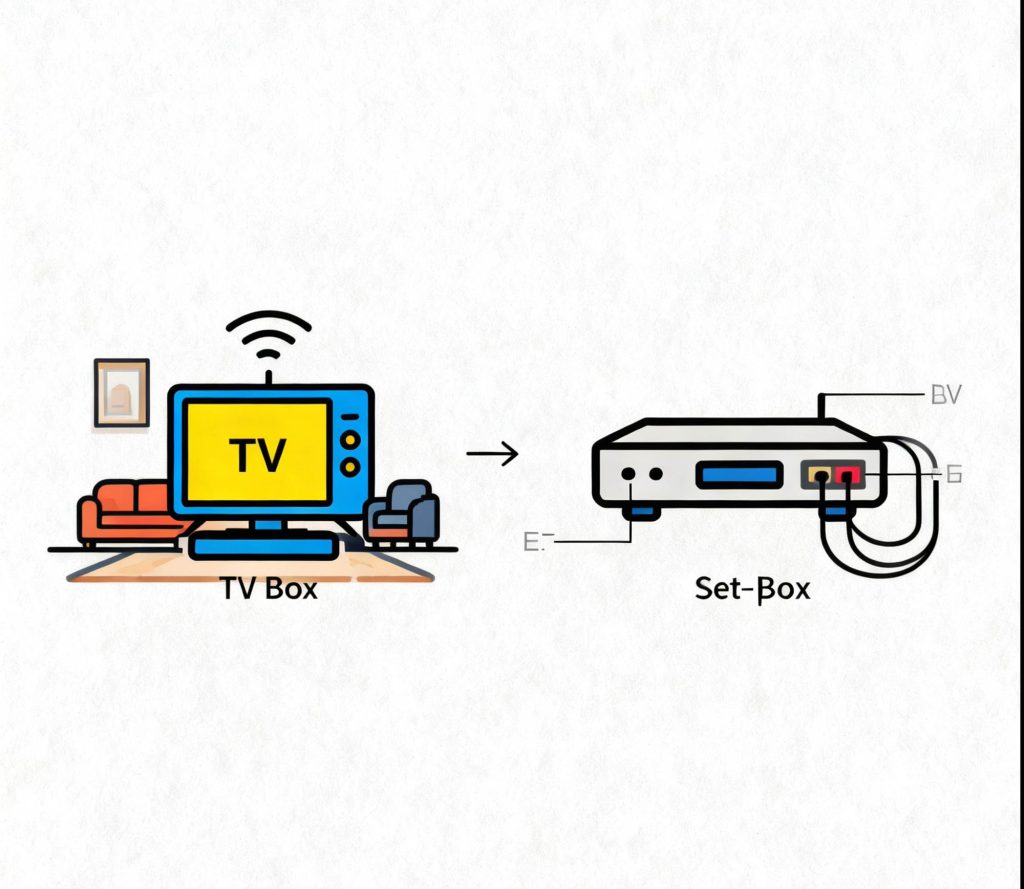
In today’s world, where high-quality home entertainment is a priority, we often hear terms like “Set-Top Box,” “TV Box,” “Media Box,” “IPTV Box,” “OTT Box,” and “Streaming Player.” These all refer to small devices that connect to your TV, but their functionalities differ. To understand these terms, let’s start by looking at Set-Top Boxes and TV Boxes.
What is a Set-Top Box?
A Set-Top Box (STB) was originally designed to receive and decode television signals. Traditional cable TV, satellite TV, or terrestrial digital TV signals are transmitted in encrypted or compressed digital formats that a standard TV cannot decode. The STB’s role is to receive these signals, decode them, and convert them into audio and video content that your TV can understand and display.
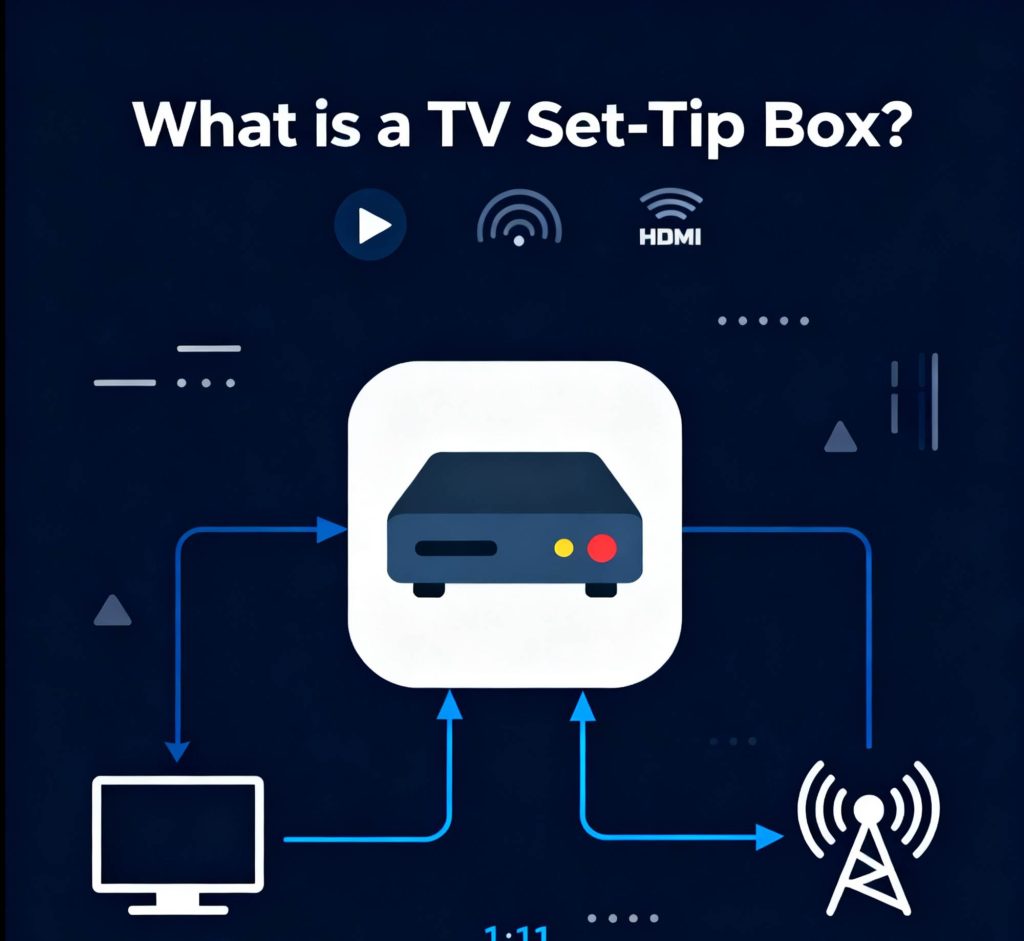
1.1 Content Source
The content for Set-Top Boxes typically comes from cable TV providers or satellite TV services. The content is usually a fixed list of channels, and users cannot install apps to expand the content library.
1.2 Usage Model
Users must pay a monthly or annual fee to access these channels, making it a paid TV service with live channel streaming that is often operator-customized with a single-function model.
What is a TV Box?
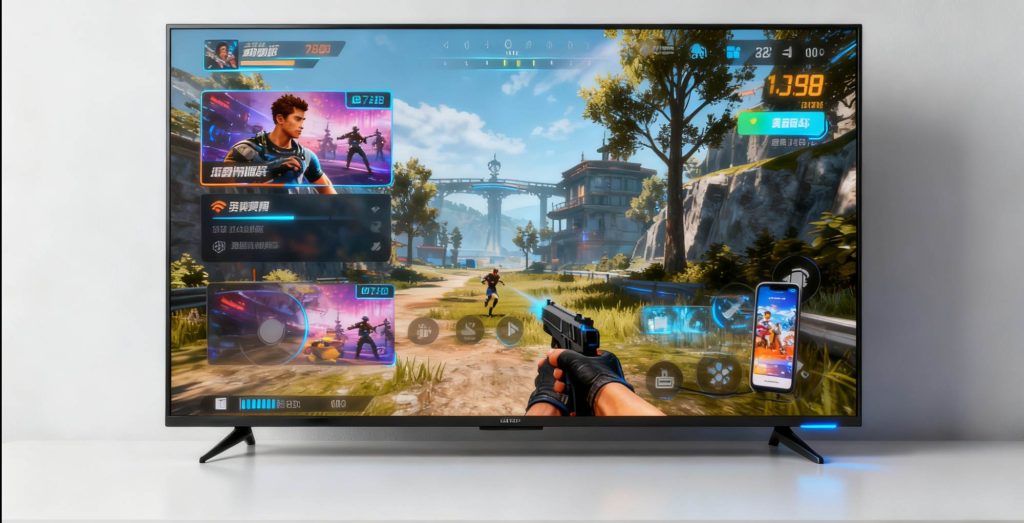
A TV Box is often associated with terms like “Internet Set-Top Box,” “Smart TV Box,” or “Streaming Player.” However, the term TV Box is broader, and it is a product of the internet age. Essentially, a TV Box is a simplified computer, typically running an intelligent operating system like Android TV, Google TV, etc., and it connects to the internet via Wi-Fi or Ethernet.
2.1 Content Source
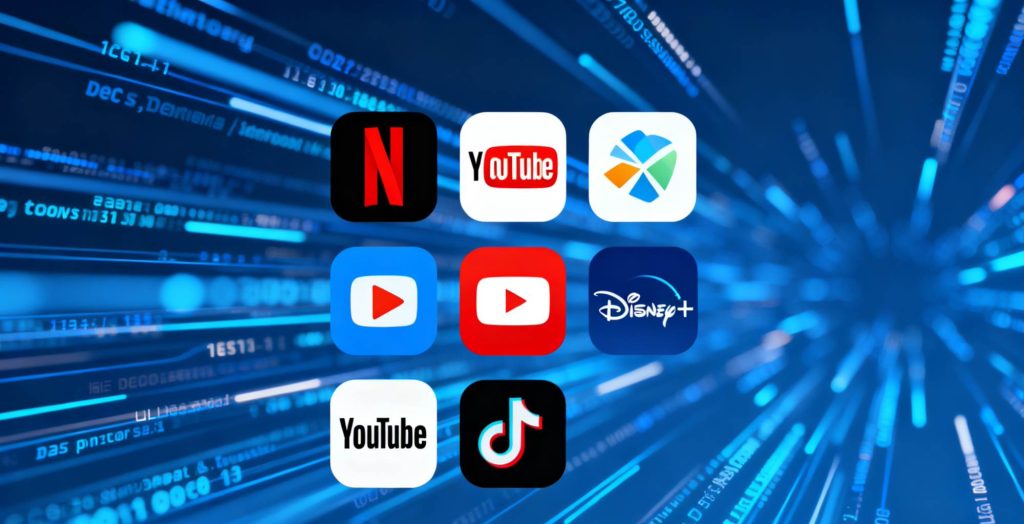
Almost all content on TV Boxes comes from the internet. Users can install a variety of streaming apps such as Netflix, YouTube, Disney+, and more, giving them complete freedom to watch what they want.
2.2 Expandability
Just like on smartphones, users can freely install and uninstall apps from the app store. TV Boxes are multifunctional: in addition to video streaming, users can play games, listen to music, and do much more.
2.3 Usage Model
TV Boxes are a one-time hardware purchase. However, watching content often requires subscribing to specific streaming services like Netflix. Some smart TV boxes, like the We2usat K3 Pro+, come preloaded with paid content apps, giving users free access to popular live sports, US and international TV channels, and movies and TV shows from different countries.
Set-Top Boxes vs TV Boxes
| Feature | Set-Top Box | TV Box |
|---|---|---|
| Core Function | Receives and decodes TV signals from specific operators | Connects to the internet and streams online content |
| Content Source | Cable TV, Satellite signals | Internet |
| Content Format | Primarily channels | Primarily on-demand video |
| Operating System | Typically none or a closed custom system | Yes (e.g., Android TV) allows app installations |
| Network Connection | Not mandatory; relies on cable or satellite antenna | Must connect to the internet (Wi-Fi/Ethernet) |
| Usage Model | Monthly/annual service subscription fees | One-time hardware purchase; content may require additional subscriptions |
| Flexibility | Low; operator-locked features | High; fully controlled by the user |
Which One Do We Use Most?
The answer is clear: TV Boxes. With the rise of high-speed internet and the explosive growth of streaming services, people’s TV viewing habits have shifted from passively waiting for content to actively selecting what to watch. TV Boxes have become the mainstream choice for home entertainment. Many smart TV users even buy a TV Box separately to get a more flexible and enriched experience.
Features and Uses of a TV Box
The functionality of a TV Box goes beyond just watching videos.
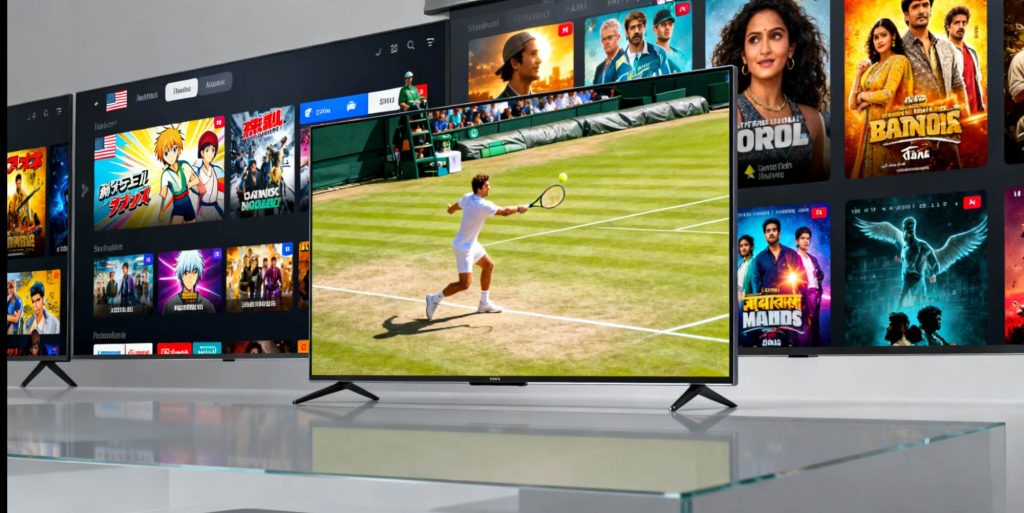
Streaming: Install various video apps to watch movies, TV shows, variety shows, anime, and more.
Live TV: By installing specific live TV apps or IPTV software, you can also access live channels for greater flexibility.
Gaming and Entertainment: You can install games and experience them on the big screen with a game controller.
Music and Radio: Listen to music online through various apps.
Screen Mirroring: Wirelessly cast your smartphone, tablet, or computer screen to the TV for sharing or displaying content.
Conclusion