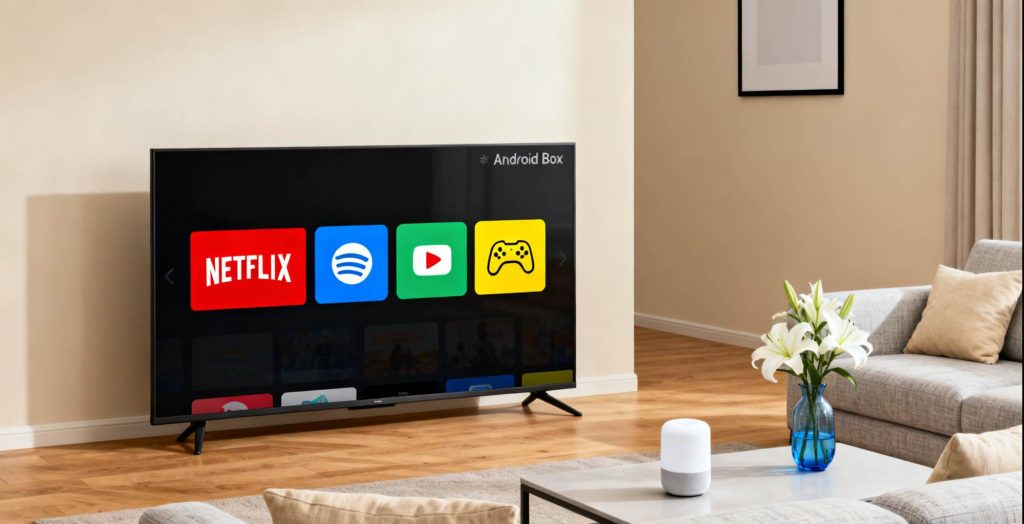
3. Two Major App Stores for Android TV Box
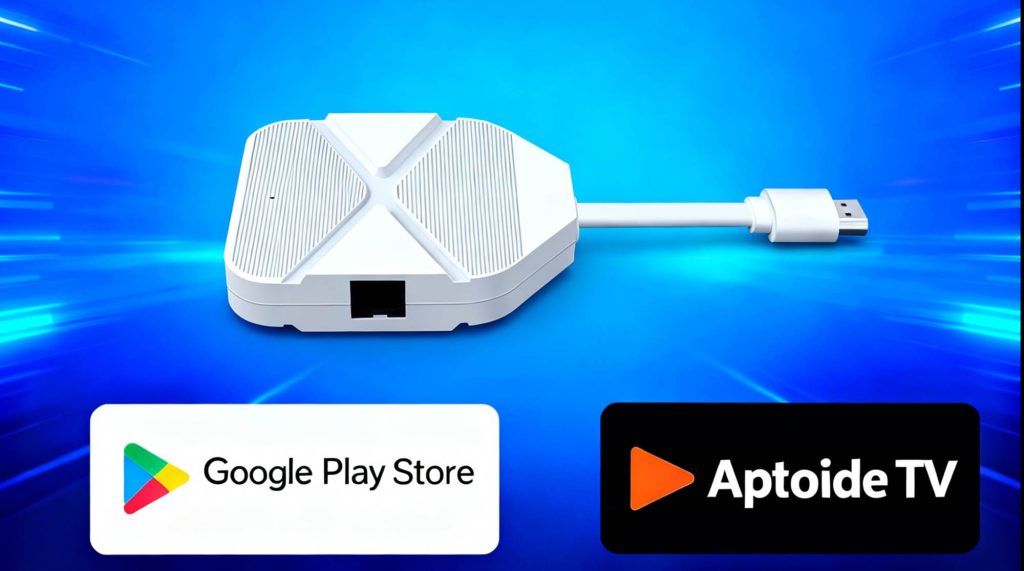
Both official and third-party stores complement each other to give users the best experience:
3.1 Google Play Store
The official and most secure Android app store, offering a wide selection of verified apps for downloading. It’s the preferred choice for users who want reliable, stable apps.
3.2 Aptoide TV
Aptoide TV provides a wide variety of third-party apps optimized for TV. It includes many apps not found on the Google Play Store, such as unique streaming tools and retro game emulators. Aptoide also allows users to upload and share apps, significantly expanding its library. Furthermore, apps are scanned for security, reducing the risk of malware.
4. Useful Apps for Android TV Box
Here are some essential apps that will enhance your WE2USAT Android TV Box experience:
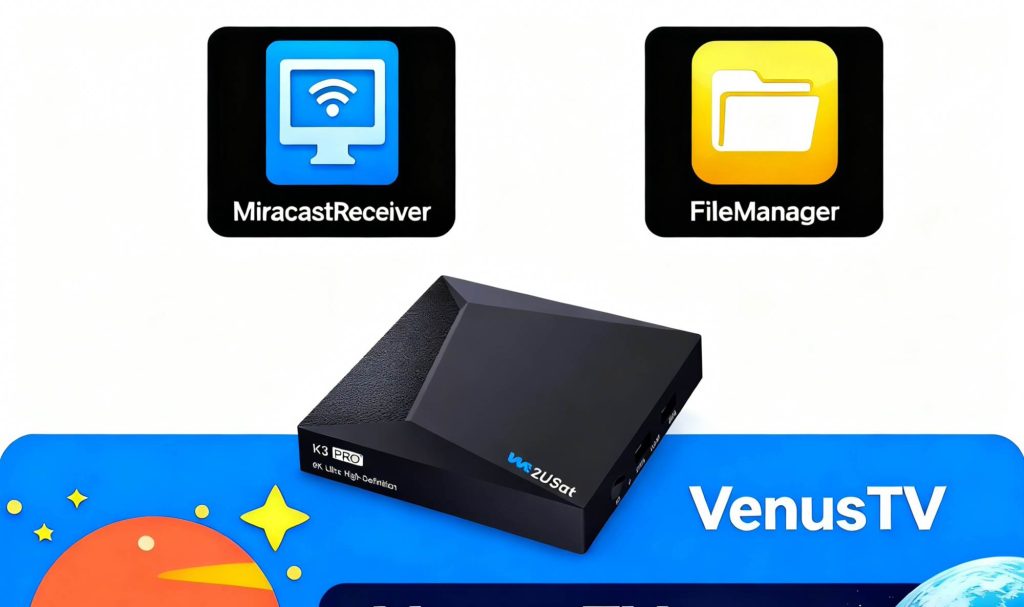
File Manager: A powerful and lightweight tool for managing all the files, media, and content stored on your device.
Venus TV Player: Compatible with nearly all IPTV video formats, this app offers robust compatibility, simple operation, and an interface that is perfect for remote control use.
Miracast Receiver: Use this app to mirror your mobile device’s screen to the TV, ideal for sharing photos, videos, or for presentations. It supports multiple platforms.
5.1 Install from App Stores
To install an app, simply open Google Play or Aptoide TV, search for the desired app, and click to install. This method is ideal for users who prefer stable versions, are unfamiliar with sideloading, or want automatic app updates.
5.2 USB Sideload Method
For users who want to install apps not available in the app stores, you can sideload them from a USB drive:
On your computer, visit the app’s official website and download the APK file.
Copy the APK file to a USB drive (make sure it’s not nested too deeply in folders).
Safely eject the USB drive from your computer and plug it into the TV box.
Use the File Manager app to locate and install the APK.
6. Extensive Video Decoding Capabilities
WE2USAT Android TV Boxes support multiple video formats, ensuring an exceptional viewing experience. For example, the WE2USAT K3 Pro supports 4K output and mainstream video formats like H.265/HEVC. Meanwhile, high-end models like the WE2USAT P6 Mini 8K Android TV Box offer 8K 60fps video decoding.
Supported formats include:
WE2USAT K3 Pro+: MKV, TS, M2TS, MOV, MP4, RM, AVI, FLV, and more.
WE2USAT P6 Mini: Supports various video formats, including *.mkv, *.mp4, *.avi, and more.
7. Long-Term Maintenance and Future Adaptability
The WE2USAT team is committed to providing regular updates and bug fixes for their apps, improving security, and preventing malware. This ensures that your device remains compatible with the latest features and is protected from emerging threats.
Conclusion
The WE2USAT Android TV Box ecosystem offers a personalized media experience, optimized for various content needs. With quick access to apps, broad video decoding capabilities, and a rich selection of media platforms, it’s an excellent choice for transforming your TV into a smart, interactive entertainment hub.
Have any other app recommendations? Feel free to contact us and share your suggestions!