
If you’re part of the “cord-cutting” movement, ditching traditional cable TV, but still want access to live sports, local channels, and international programs, IPTV (Internet Protocol Television) could be your ideal solution. However, even with the best IPTV services, using a slow or outdated Android TV box can significantly affect your viewing experience.
A high-quality Android TV box for IPTV needs to meet three core requirements: powerful processing capabilities, stable network connectivity, and compatibility with popular IPTV apps (such as TiviMate, GSE Smart IPTV, IPTV Smarters). To save you time, we’ve tested some of the most popular Android TV boxes on the market, focusing on their performance for IPTV services. This blog will recommend some of our top picks, along with buying and setup tips to help you optimize your streaming experience.
Why Your Android TV Box Matters for IPTV
Before diving into specific recommendations, it’s important to understand that not all Android TV boxes are suited for IPTV. The differences between these devices can make a significant impact on your streaming experience, especially for IPTV users. Below are some key factors to consider:
1. Buffering
IPTV users often stream 4K content (such as NFL Sunday games, ABC/CBS local channels). Even if your network connection is fast, a weak processor or unstable Wi-Fi connection on your TV box can cause frequent buffering.
2. Regional Restrictions
Many users want access to both local channels and international content (such as Spanish channels, European sports events). A good TV box should support VPN (a tool that unlocks geo-restricted content) and have enough storage to install multiple IPTV apps.
3. Remote Control and Usability
No one wants to struggle with a cumbersome remote control when switching between live TV and on-demand content. High-end TV boxes come with user-friendly remotes (some even offer voice control) that seamlessly integrate with IPTV apps.
Best Android TV Boxes for IPTV in 2025
We evaluated each Android TV box based on IPTV performance, price, and user needs (such as compatibility with streaming services and VPNs). Here are our top recommendations:
1. NVIDIA Shield TV Pro – Best for 4K IPTV Streaming

Price: ~$350
Why Choose It: If you’re a serious IPTV user who doesn’t want to compromise on performance, the NVIDIA Shield TV Pro is worth the investment. Powered by the Tegra X1+ processor, it can effortlessly handle high-bitrate 4K IPTV streams without buffering.
Features:
Wi-Fi 6 & Gigabit Ethernet: Great for fiber-optic homes, providing stable connections even during peak times (e.g., NFL game streams).
Excellent VPN Compatibility: Works seamlessly with popular VPNs (e.g., NordVPN, ExpressVPN) to unlock geo-restricted content.
Google Assistant Voice Control: Control your IPTV apps with simple voice commands like “Open TiviMate” or “Switch to ESPN.”
Storage: 16GB built-in storage (expandable via USB) for IPTV apps and recorded content.
Drawbacks: More expensive than other options, but its performance justifies the price for heavy IPTV users.
2. Amazon Fire TV Cube – Best for Budget-Friendly IPTV Users
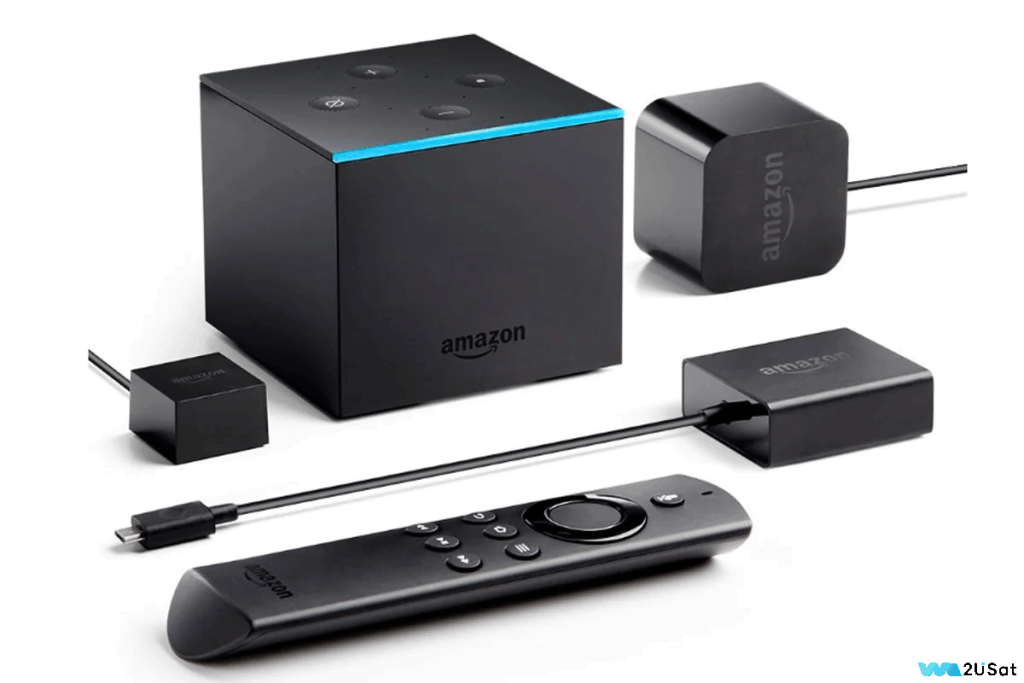
Price: ~$150
Why Choose It: The Amazon Fire TV Cube is popular for its integration with Amazon’s ecosystem, and it performs well for IPTV streaming. Its quad-core processor smoothly handles 4K IPTV streams and offers features to enhance your IPTV experience.
Features:
Alexa Voice Control: Perfect for Alexa users—simply say “Watch CNN on my IPTV app” or “Pause the game.”
Dual-Band Wi-Fi 6: Ideal for households with multiple devices, handling bandwidth demands effectively.
Easy Sideloading: While apps like TiviMate aren’t available in the Amazon Appstore, sideloading them is straightforward.
Compact Design: Fits perfectly in any entertainment center.
Drawbacks: The interface includes ads, but many can be disabled.
3. Xiaomi Mi Box S – Best Entry-Level IPTV Android TV Box
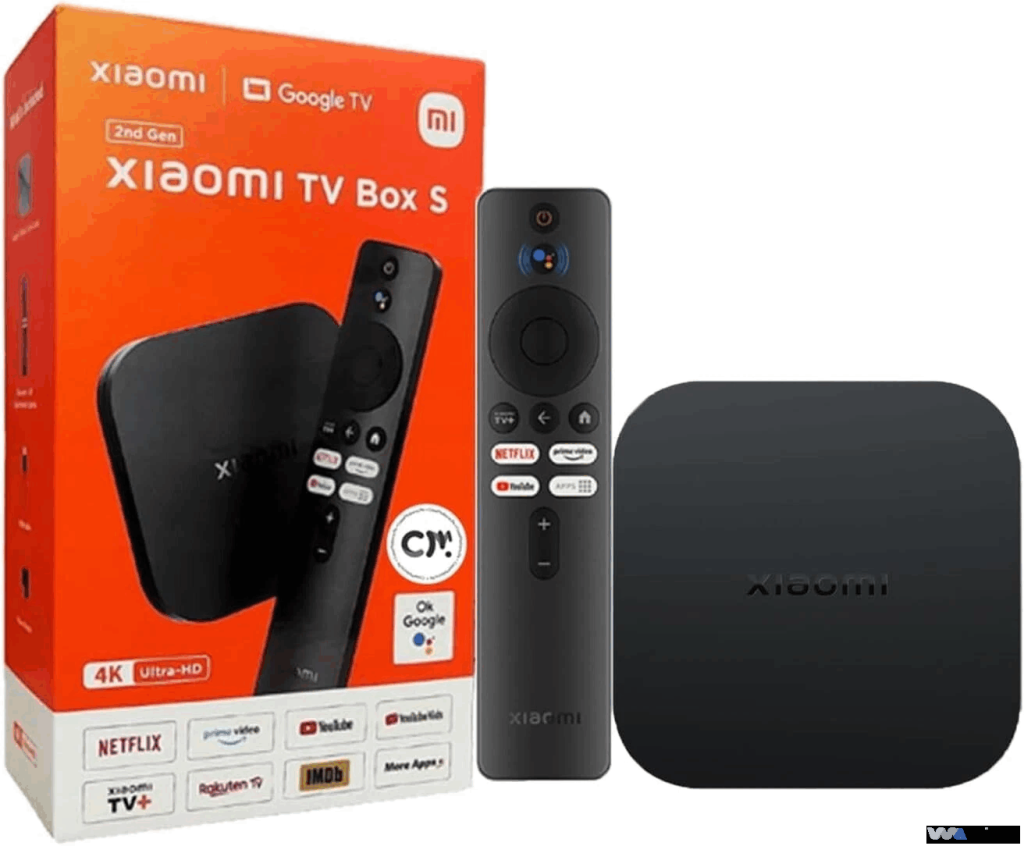
Price: ~$80
Why Choose It: If you’re new to IPTV and looking for an affordable option, the Xiaomi Mi Box S is a solid choice. It supports 4K streaming and is compatible with all major IPTV apps.
Features:
Google TV Interface: Familiar to Android phone users, allowing easy switching between IPTV apps and services like Netflix and Hulu.
Dual-Band Wi-Fi: Suitable for basic 4K IPTV content (local channels, low-bitrate international streams).
Compact & Portable: Ideal for small apartments or dorm rooms.
Drawbacks: Weaker processing power than the Shield TV Pro, so it may stutter during high-bitrate 4K sports streams.
4. Formuler Z11 Pro Max – Best for IPTV Enthusiasts
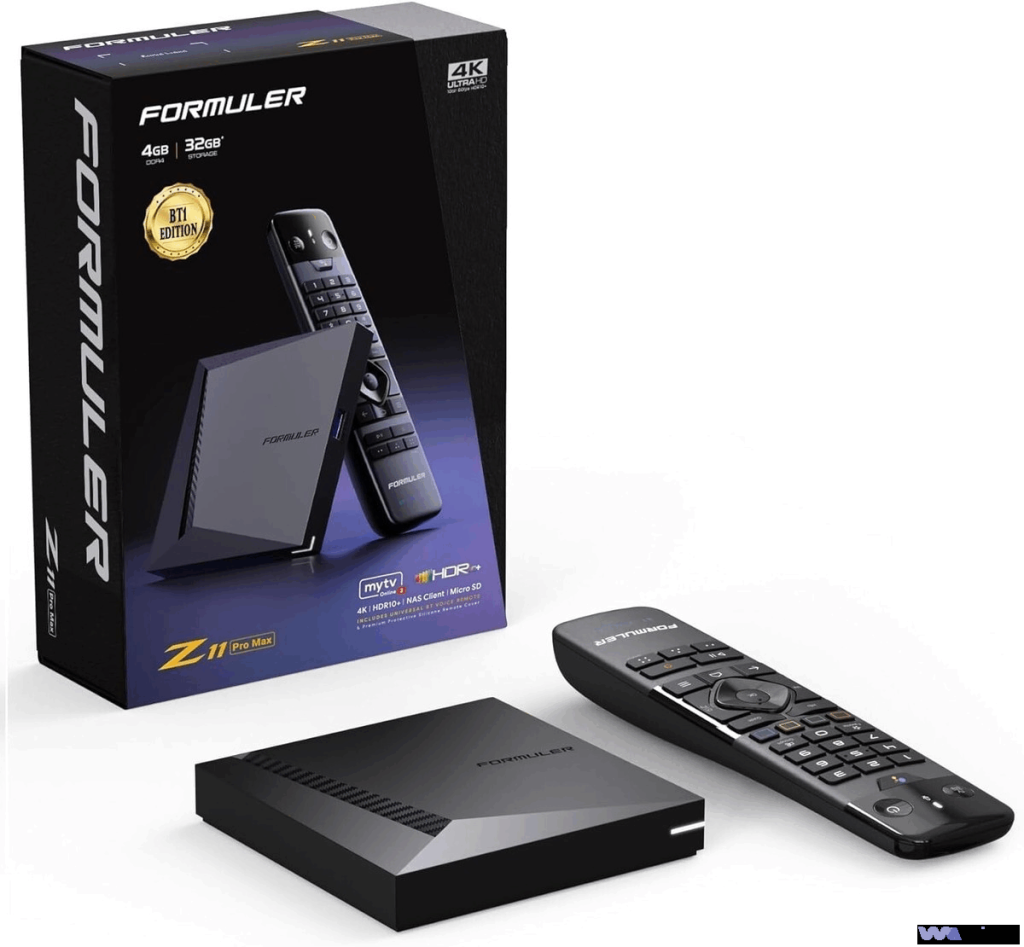
Price: ~$380
Why Choose It: If IPTV is your primary TV source, the Formuler Z11 Pro Max is tailored to IPTV users, offering features not found in standard set-top boxes.
Features:
Custom IPTV Interface: Optimized OS for quick access to program guides, recorded content, and favorite channels.
2GB RAM + 16GB Storage: Handles multiple IPTV apps simultaneously.
Gigabit Ethernet + Wi-Fi 6: Ensures stable 4K IPTV streaming, even in weak signal areas.
IPTV Optimized Remote: Special buttons for guide, recording, and favorites for efficient navigation.
Drawbacks: More expensive than the NVIDIA Shield TV Pro, and it’s highly specialized (not ideal for gaming or non-IPTV content).
5. MECOOL KM9 Pro – Best for International IPTV Content

Price: ~$180
Why Choose It: Designed for users who need international content (e.g., Hindi TV shows, Arabic sports events, European news), the MECOOL KM9 Pro offers strong VPN support and compatibility with region-specific IPTV apps.
Features:
Android 11: Compatible with older IPTV apps that may not work with newer Android versions.
Dual-Band Wi-Fi + Gigabit Ethernet: Stable streaming from international servers (e.g., India, Middle East).
4K HDR Support: Delivers sharp, clear images on 4K TVs for international content.
Great Value: More affordable than the Shield TV Pro but outperforms the Xiaomi Mi Box S.
Drawbacks: Remote is less user-friendly than the Fire TV Cube, but it can pair with third-party remotes (e.g., Logitech Harmony).
6. we2usat K3 Pro+ – Best for Professional IPTV Users
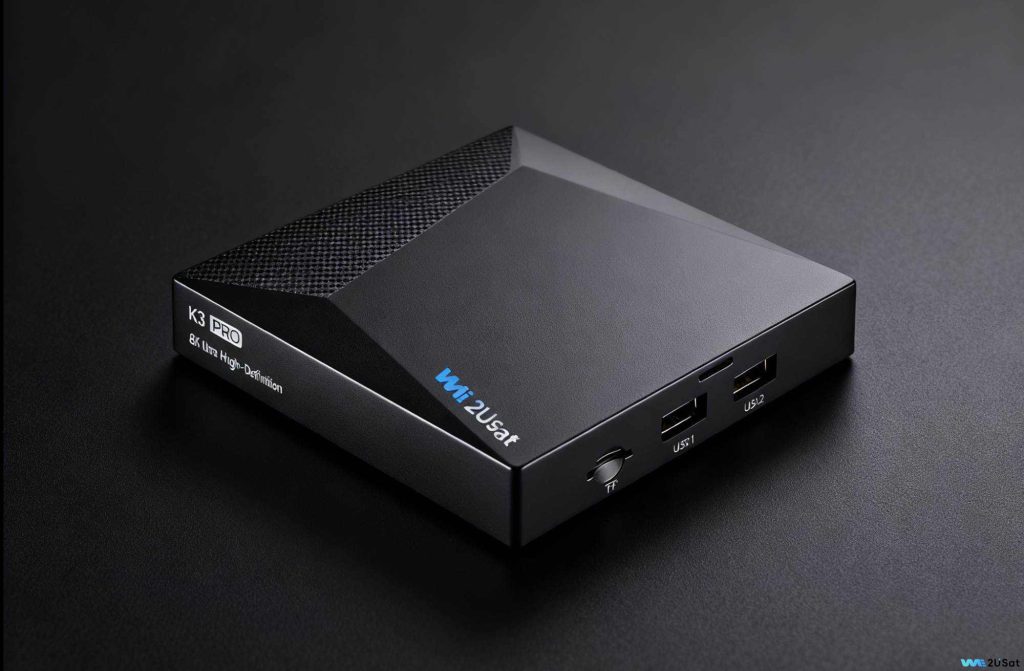
Price: ~$310
Why Choose It: The we2usat K3 Pro+ is optimized for IPTV users, offering a perfect balance between performance and local experience, especially for users who want stable streaming and easy operation.
Features:
IPTV Ecosystem Compatibility: Pre-configured for optimal performance with popular IPTV apps like TiviMate and IPTV Smarters Pro.
Dual-Band Wi-Fi 6 + Gigabit Ethernet: Ensures smooth 4K IPTV streaming, even during peak hours.
User-Friendly Remote: Perfect for elderly users or those not familiar with tech.
32GB Storage: Store hours of live content and support features like sports replays.
Built-In Screen Recording: Useful for recording live events like NBA playoffs.
Drawbacks: None significant, but it’s on the pricier side.
How to Choose the Right Android TV Box
Not sure which one to pick? Ask yourself these three questions:
What’s your budget?
Under $70: Go for Xiaomi Mi Box S
$80–$150: Consider Amazon Fire TV Cube or MECOOL KM9 Pro
Over $150: Opt for NVIDIA Shield TV Pro, Formuler Z11 Pro Max, or we2usat K3 Pro+
What content do you watch most?
4K Sports: Choose NVIDIA Shield TV Pro or we2usat K3 Pro+ (best for high-bitrate streams).
International Content: Go with MECOOL KM9 Pro or we2usat K3 Pro+ (excellent VPN support).
IPTV + Other Streaming (Netflix, Hulu): NVIDIA Shield TV Pro or Amazon Fire TV Cube are great choices.